
POWR Contacts Explained
What are POWR Contacts?
Every time a visitor fills out a form, signs up through a popup or subscribes to your list, you’re collecting valuable contact information, and POWR Contacts is where it all comes together. Instead of having your leads scattered across separate apps, My Contacts gives you one central place to view, manage and organize everyone who has interacted with your POWR apps. In this article we’ll explain how POWR Contacts works, where your contacts come from and how you can use them to grow your business and stay connected with your audience.
How do I create a contact?
A Contact is created automatically when somebody submits one of your POWR apps that includes an email address field.
You can also manually create a new contact or bulk import a group of contacts by using a CSV.
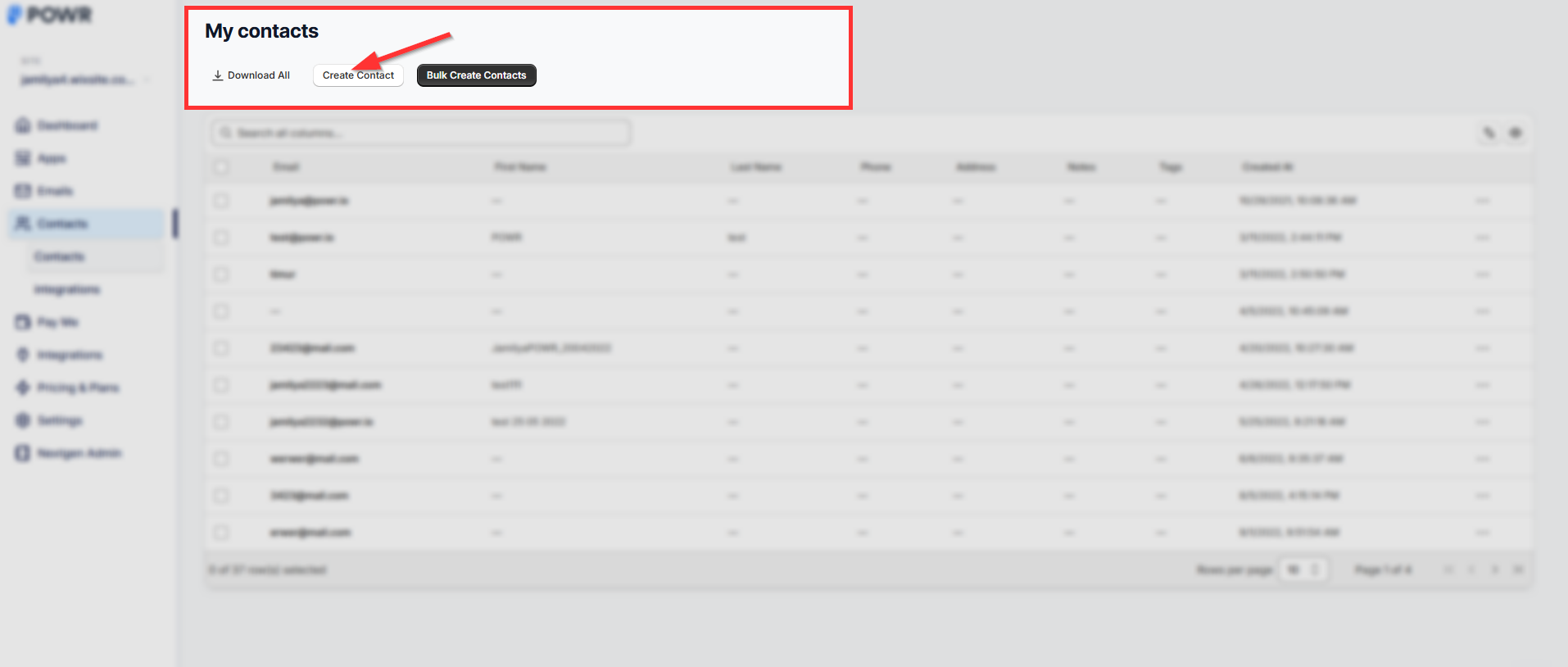
If somebody submits another response to a form or popup using the same email, their contact record will be updated with the most recent data (phone, address, name).
What information is stored in my contacts?
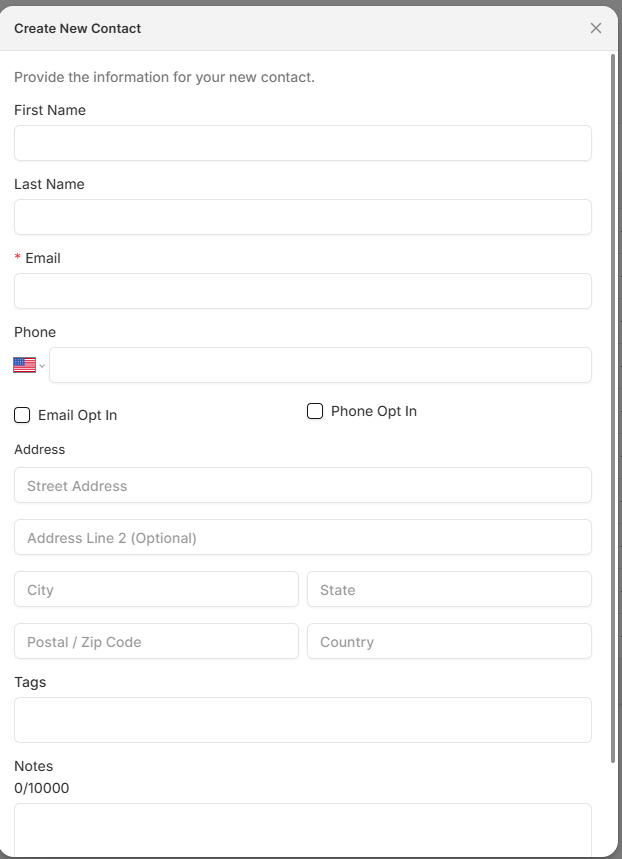
Information that can be stored in My Contacts includes:
Email
First Name
Last Name
Address
Phone Number
This information will be collected if there is a field for it in your POWR form or popup. Please note that you must have an email field in your form or popup in order to create a new contact.
Other information that is stored in My Contacts:
App name of the app your contact used to submit their information
Created date
Updated date
Tags
Notes
You can click on any contact in the table and will be able to edit the information for that contact and add notes and tags which will help you sort and filter the contacts in the future.
Where can I find my contacts?
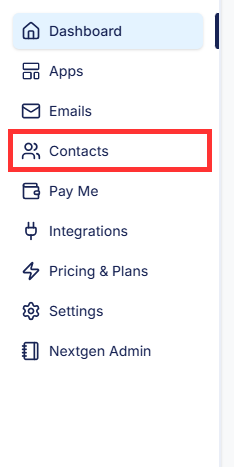
You can directly access My Contacts when you’re logged in to POWR by clicking here.
Or, when you log in to POWR, click on My Contacts in the top navigation bar:
Other My Contacts Integrations
👉 Please click here if you want to integrate My Contacts with Shopify customers.
👉 Please click here if you want to integrate My Contacts with Google Sheets.
POWR Contacts makes it easy to keep all of your leads and subscribers organized in one place, without any manual data entry or juggling multiple tools. Once your forms and popups are connected, new contacts are added automatically, and you can sync them with integrations like Google Sheets or Shopify Customers to put your data to work wherever you need it. If you have any questions about how My Contacts works or need help getting it set up, our support team is always here and happy to help, so don’t hesitate to reach out!
Need Help?
If you need help or have questions about our apps, our support team is happy to assist.
👉 Contact our support team
When you contact us, you'll be prompted to authenticate your email by signing in, and we'll email you a confirmation code. This helps ensure our support team's reply reaches you without issues.
For more information about available features, visit our Pricing Page:
https://www.powr.io/pricing