
Sharing Social Feed posts on social media
Your social content is at its best when it travels beyond your website. With POWR Social Feed, you can display your latest posts on your site and let visitors share them with their own followers on social media. Every share puts your content in front of new people and can bring more traffic back to your brand. In this article we’ll walk you through how to set up and use sharing for your Social Feed posts in just a few simple steps.
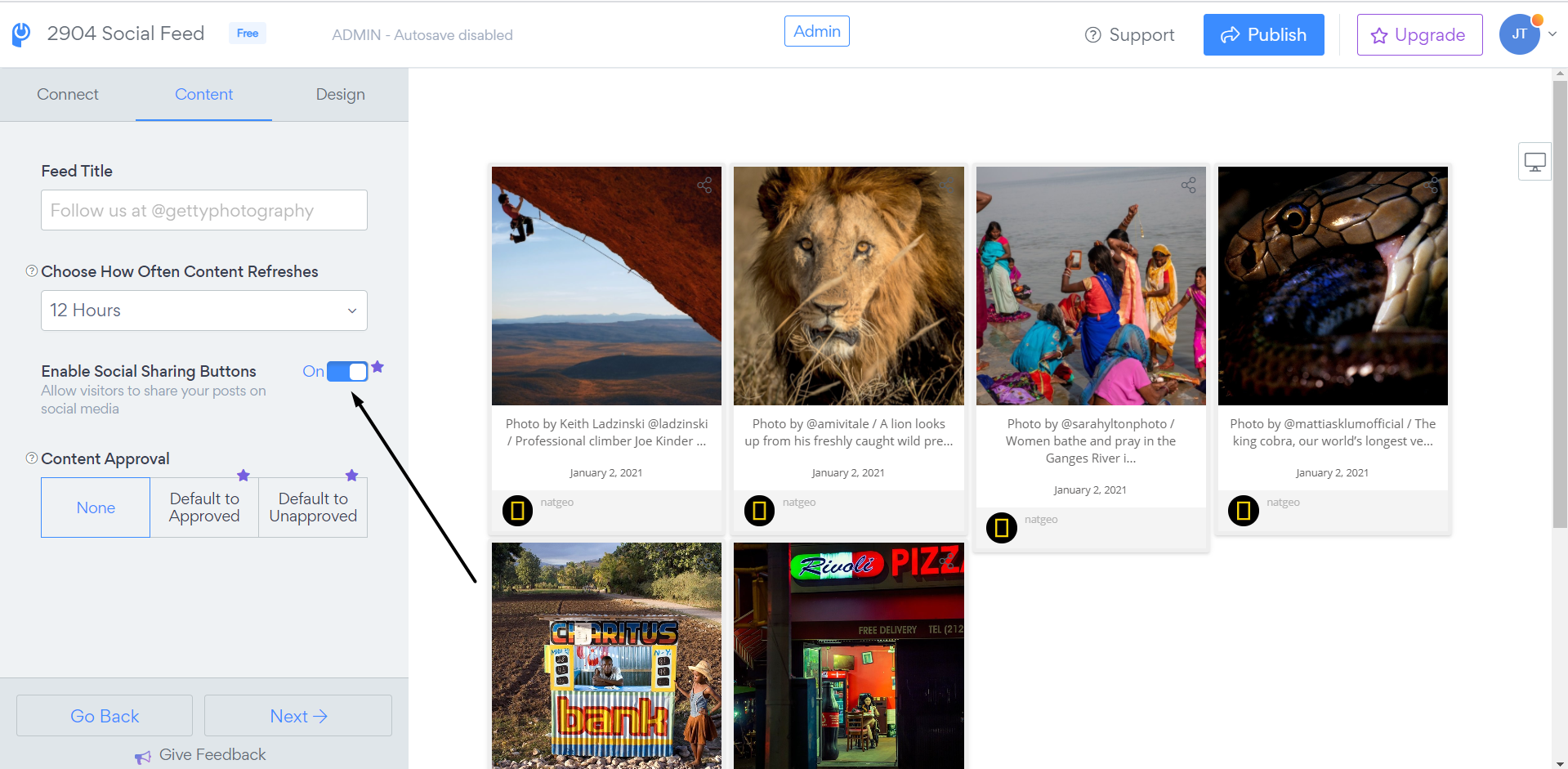
To enable Share in your social posts please follow the steps below:
1. Open Social feed app settings
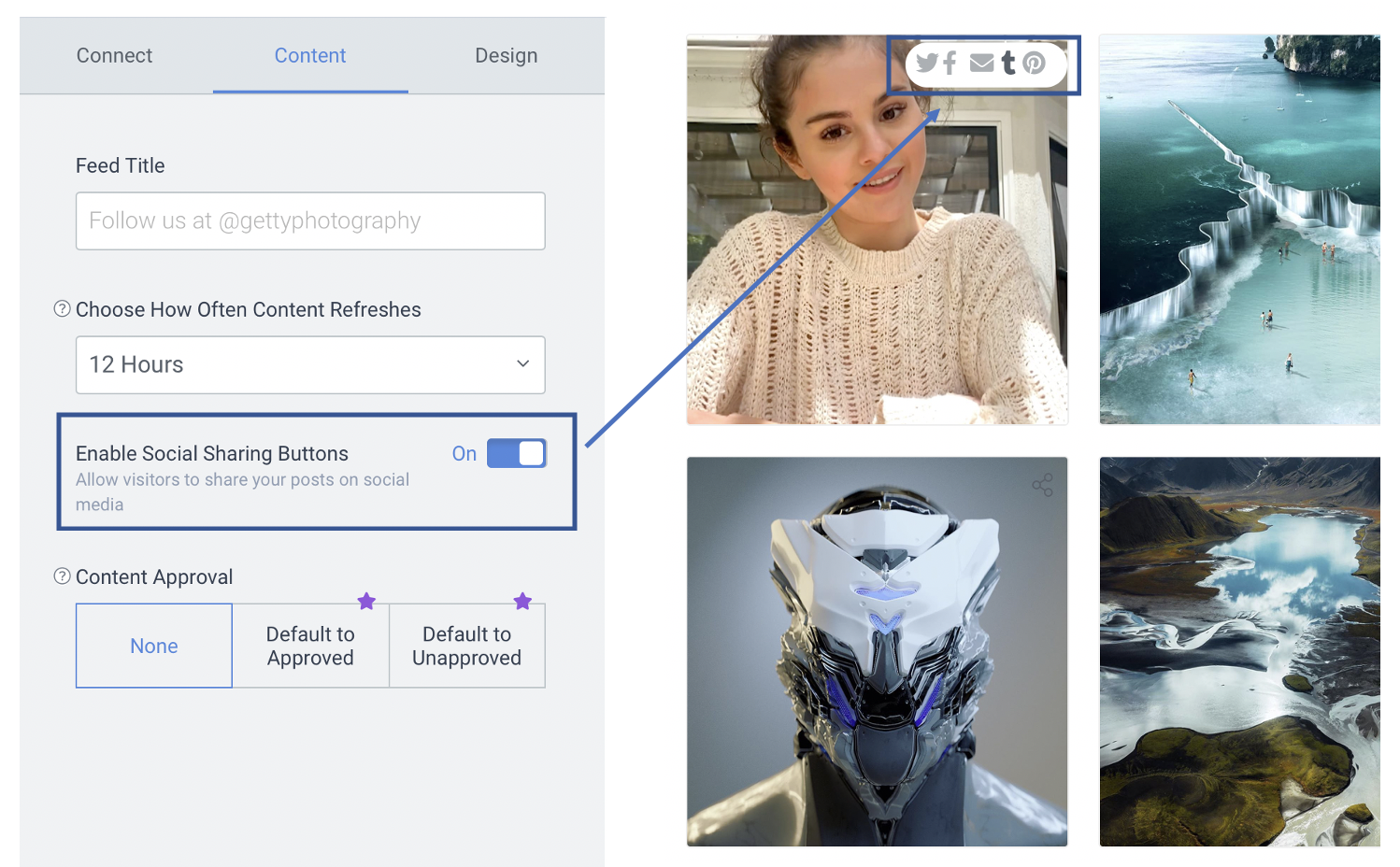
2. Go to Content and toggle on the "Enable Social Sharing Buttons" option:
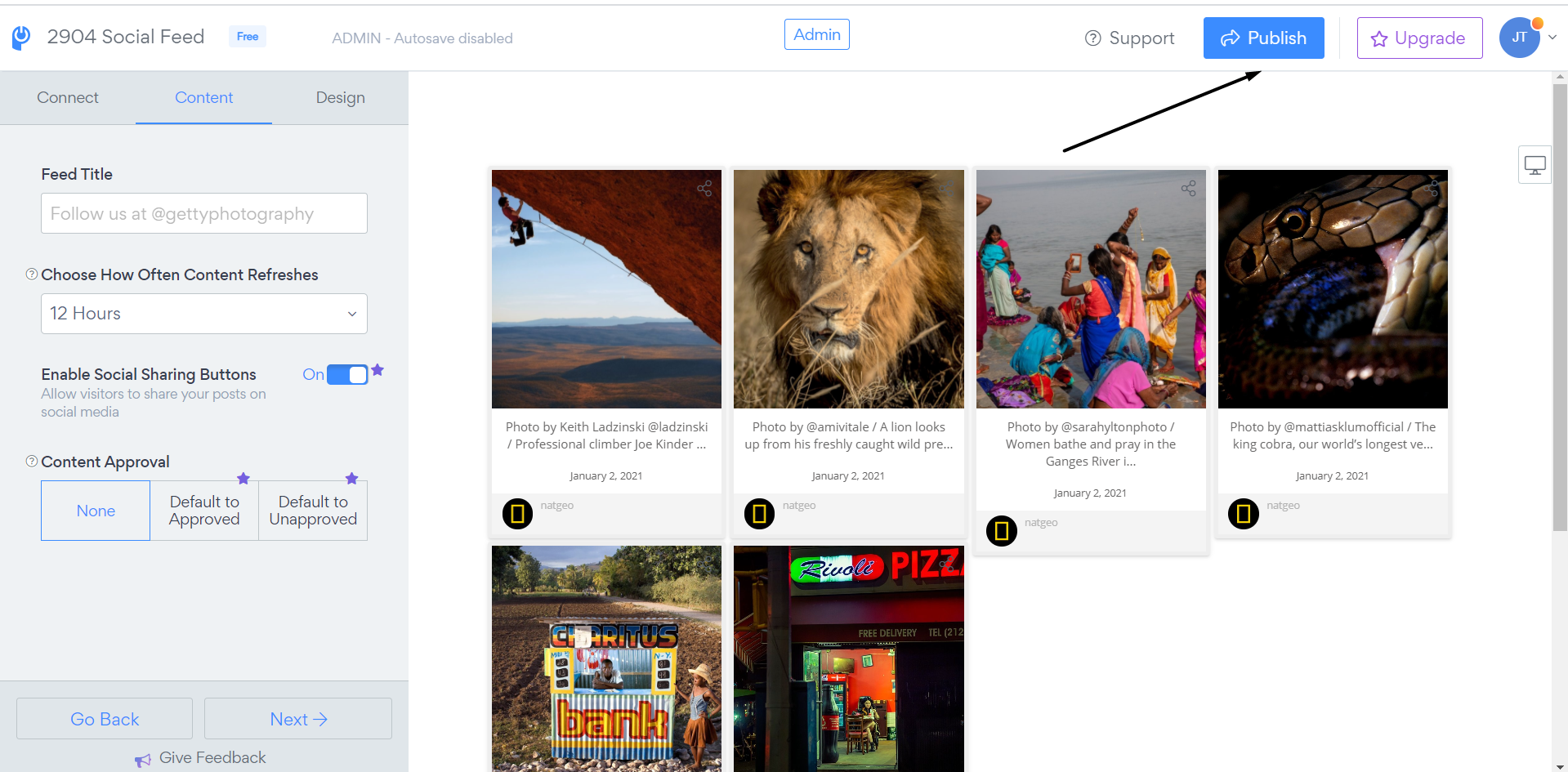
3. Save changes by clicking on the "Publish" button
Visitors can share your posts to the following platforms:
Google+
Twitter
Facebook
Email
Tumblr
Pinterest (if image available in post)
Note: This option is currently a Pro feature.
Letting visitors share your Social Feed posts is a simple way to extend your reach without any extra effort on your side. Once sharing is set up, your best content can be passed along to new audiences, helping your brand get discovered by more people. If you have any questions about sharing your posts or the options aren’t appearing as expected, our support team is always here and happy to help, so don’t hesitate to reach out!
Need Help?
If you need help or have questions about our apps, our support team is happy to assist.
👉 Contact our support team
When you contact us, you'll be prompted to authenticate your email by signing in, and we'll email you a confirmation code. This helps ensure our support team's reply reaches you without issues.
For more information about available features, visit our Pricing Page:
https://www.powr.io/pricing