
Bulk Upload Location from Google Sheet
At POWR, we’re constantly evolving to make our apps smarter, faster, and easier to use. Today, we’re excited to announce a powerful new feature for our Map app: bulk location upload from Google Sheets! This addition streamlines the process of adding multiple locations to your map, saving you time and ensuring accuracy in a few simple steps.
How to Use the Bulk Location Upload Feature
Follow these simple steps to upload your locations from Google sheet.
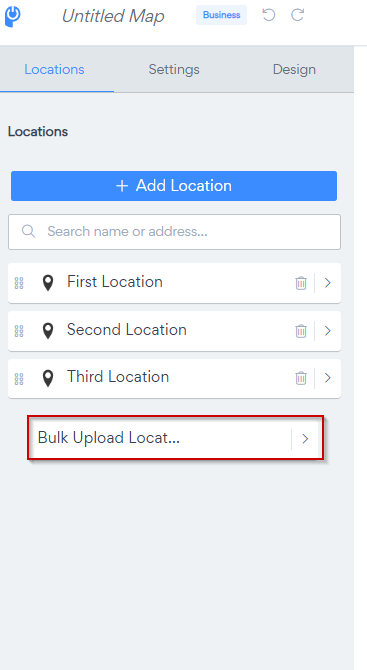
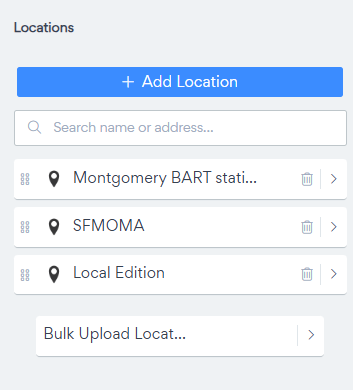
Go to Locations> Bulk Upload Locations
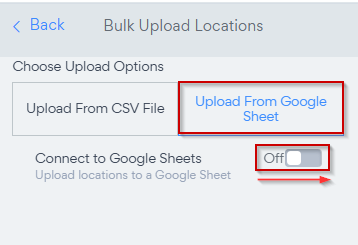
Choose Upload from Google Sheets and Toggle ON
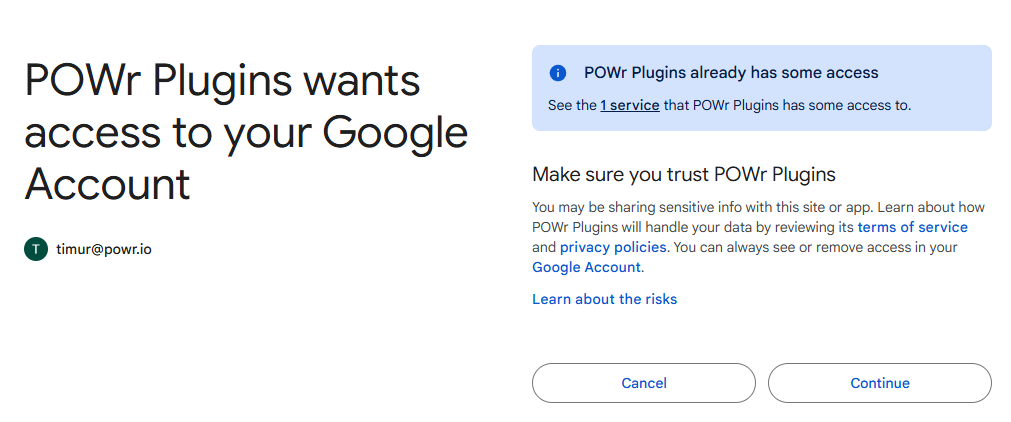
Google will ask you to sign in to your account and authorize access to POWR plugins
Click on View/Edit Sheet
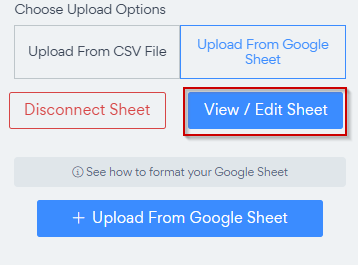
This will open a newly created Google Sheet and will connect it to POWR MAP
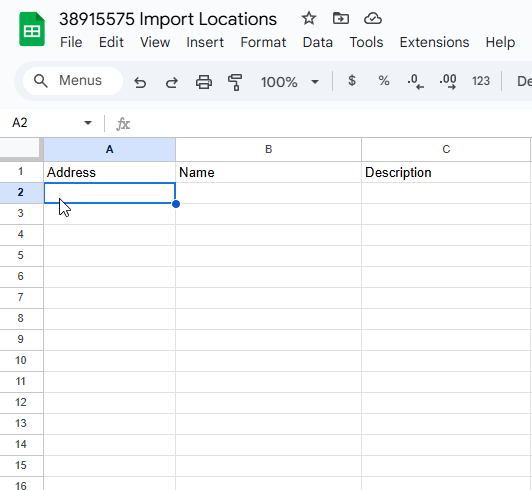
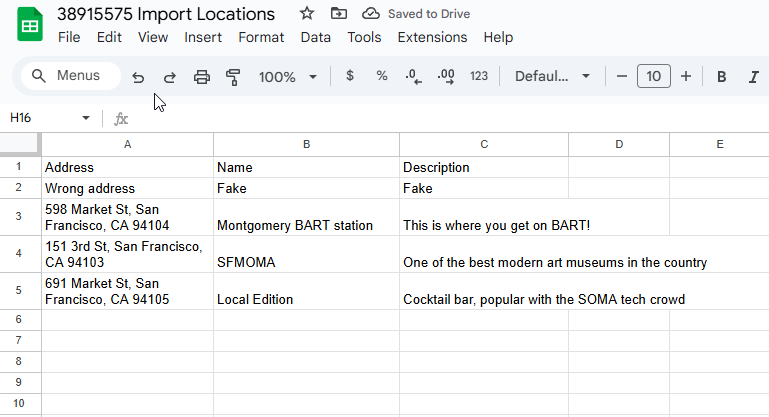
Add or import information to columns accordingly.
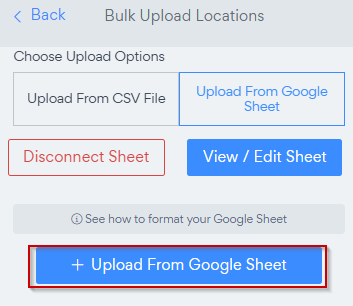
Click on Upload From Google Sheet
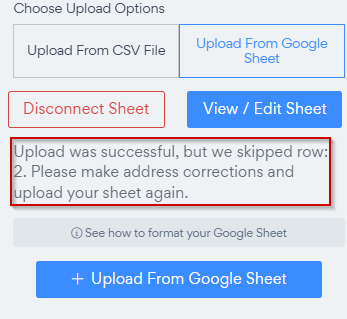
If the address was not filled in correctly or if it's not recognized by the MAP provider, the app will inform you about this.
Check Uploaded locations
Need Help?
If you need any help or have any questions about our Form Builder, our support team is happy to help.
👉 Contact our support team
When contacting us, you'll be prompted to authenticate your email by signing in, and a confirmation code will be emailed to you. This helps ensure our support team's reply will be delivered to you with no issues.
For more information about available features, visit our Pricing Page:
https://www.powr.io/pricing